 docXporter Coming soon docXporter Coming soon
docXporter / Confluence to Markdown
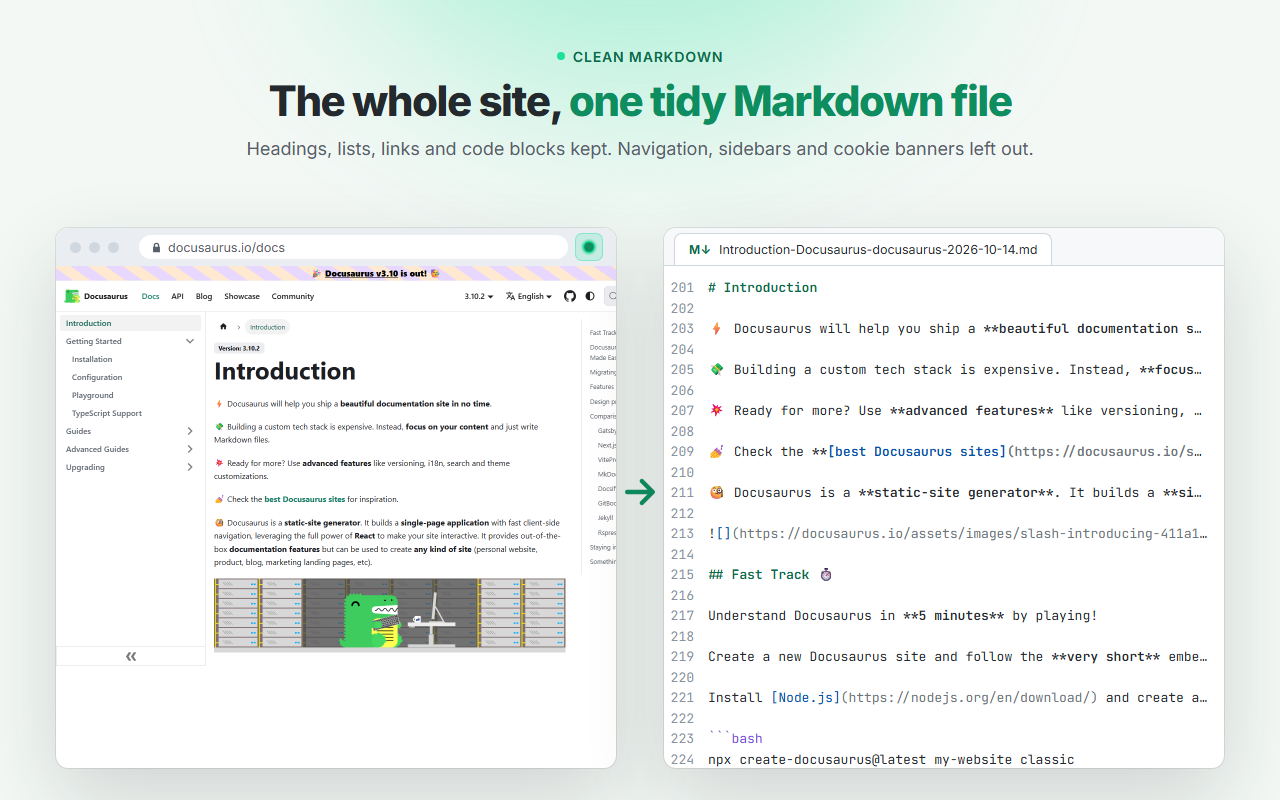
Copying Confluence pages into Markdown one at a time takes an afternoon. docXporter saves a page tree or a whole space into one clean Markdown file, in page-tree order, using the login you already have in Chrome.
docxporter.com Free for up to 20 pages per export. Bigger sites and PDF with Pro: $24.99 once.
Safe for a work account?
Open Confluence in Chrome and go to the page you want (its child pages come with it), or to the space home page for the whole space.
Click docXporter, keep MD selected and click Export. Pick specific pages first if you want.
One Markdown file downloads when the progress bar finishes.
docxporter.com Free for up to 20 pages per export. Bigger sites and PDF with Pro: $24.99 once.